
Clinic dashboard
Everything about your practice in one place: today's visits, the calendar, consultations, patients, content and reports — with permissions that fit each person on your team.
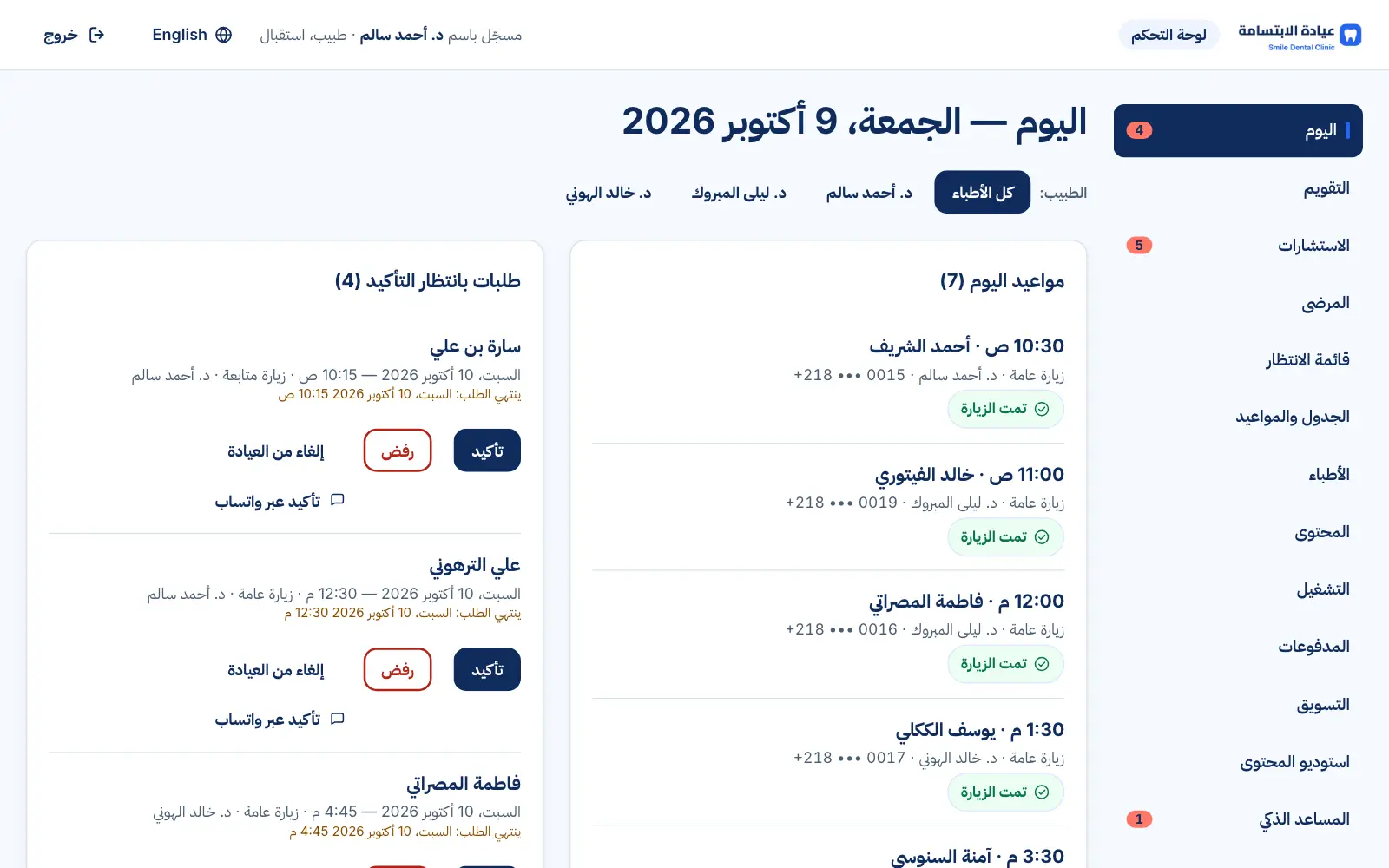
Real interface, sample data
What you get
Today
Requests awaiting confirmation, today's visits, cases to review and alerts.
Calendar
Day and week views, reception bookings, attendance and no-shows.
Schedule
Working hours, breaks, days off, visit types and durations.
Patients
Basic contact details, booking history and the waitlist.
Content
Services, articles, FAQs, photos and contact details.
Reports
Bookings and where they came from, such as ad campaigns.
Role-based access
Dentist, reception, content editor and admin — each sees only what they need.
Security
Two-step sign-in for staff, and an audit log of sensitive actions.
See it in action
Real screens from the platform, taken from the demo clinic — the names and numbers in them are sample data.
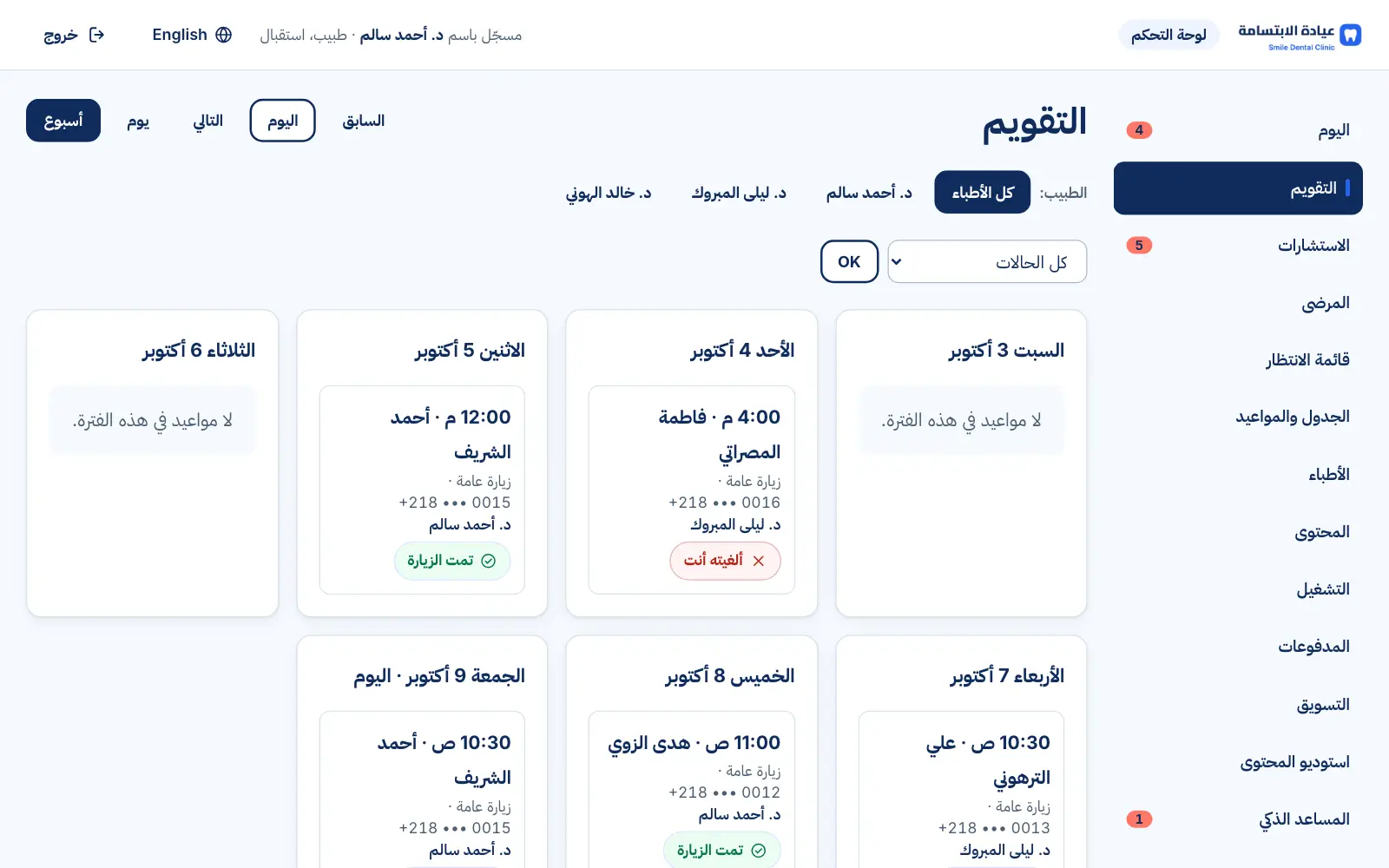
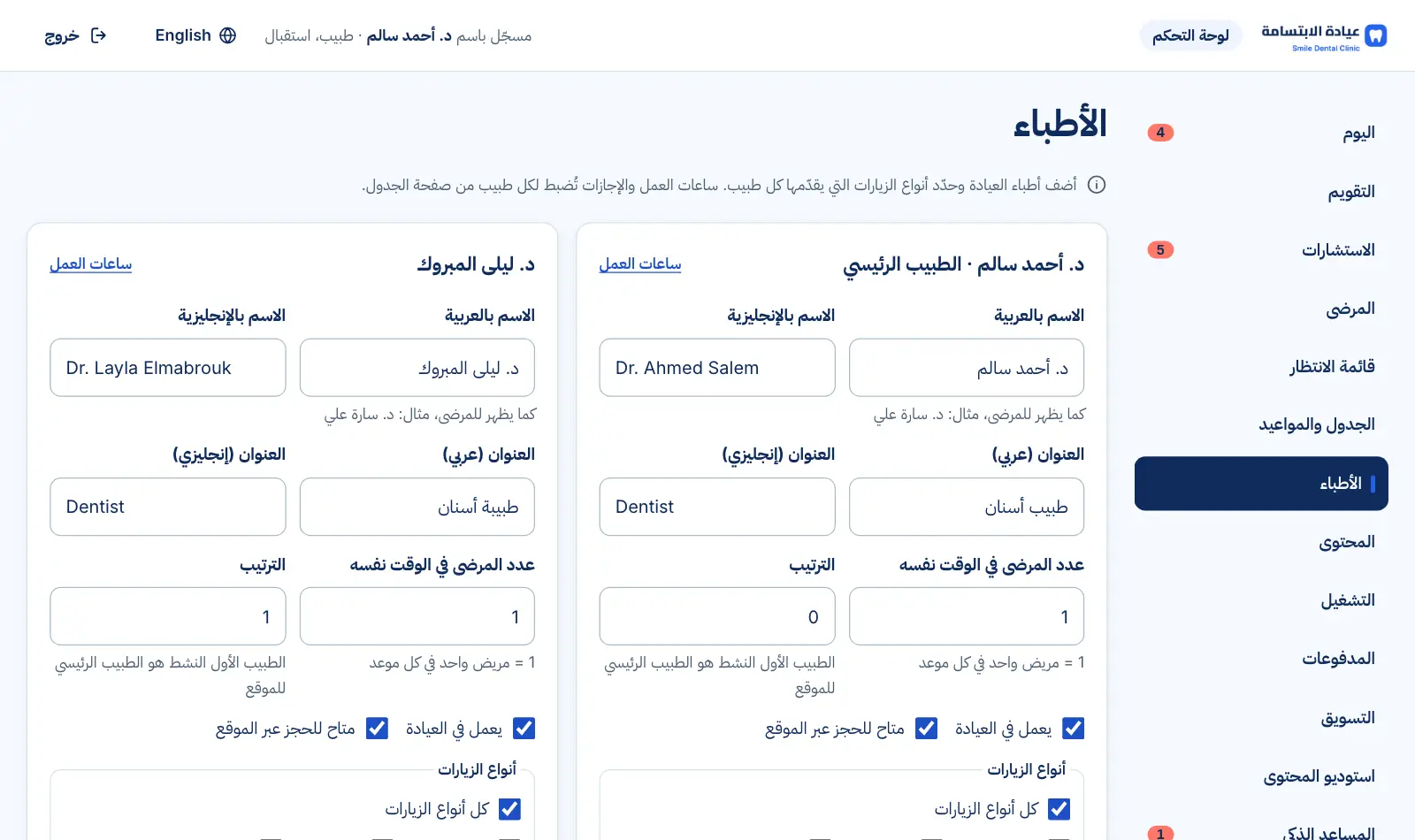
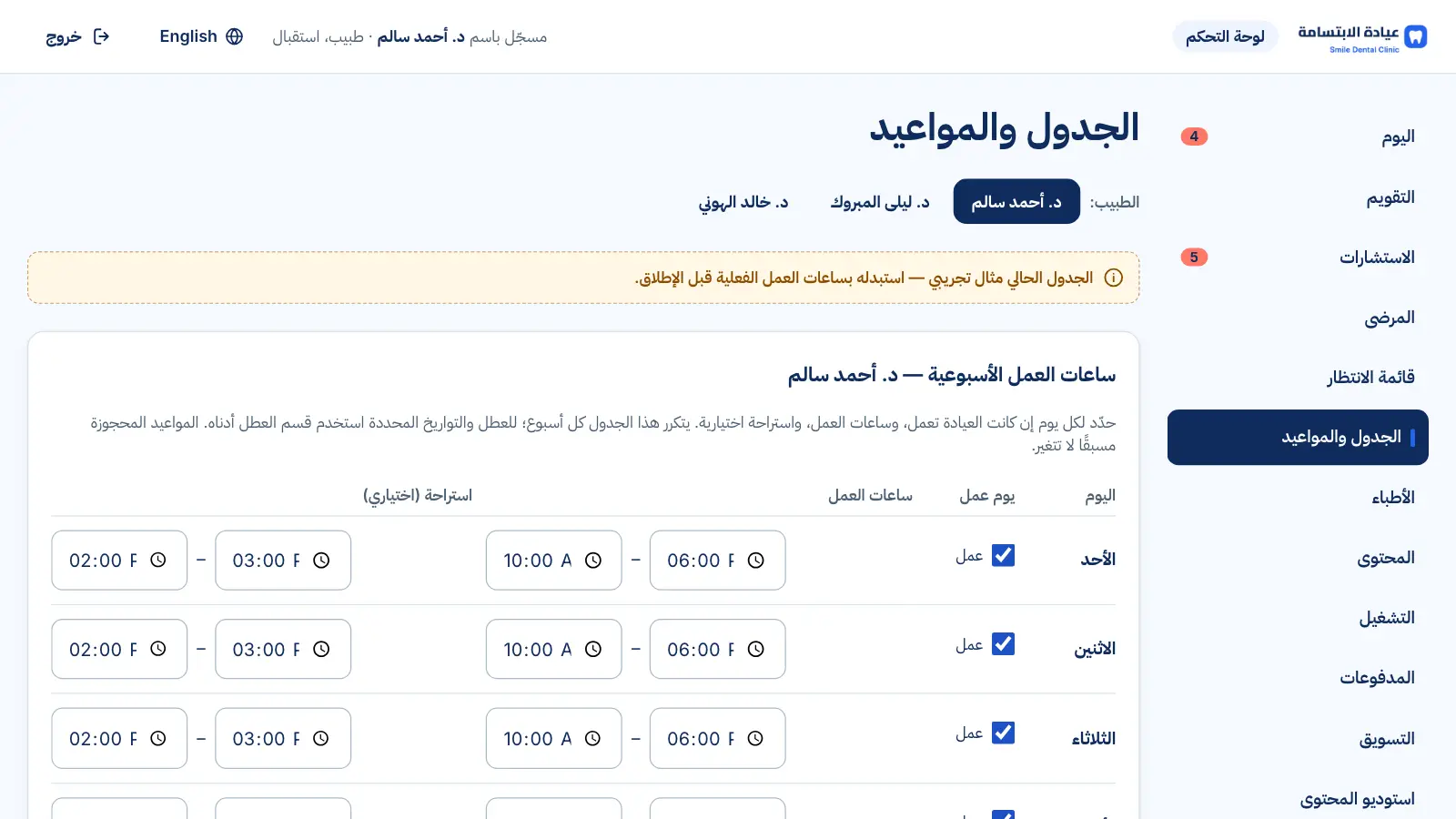
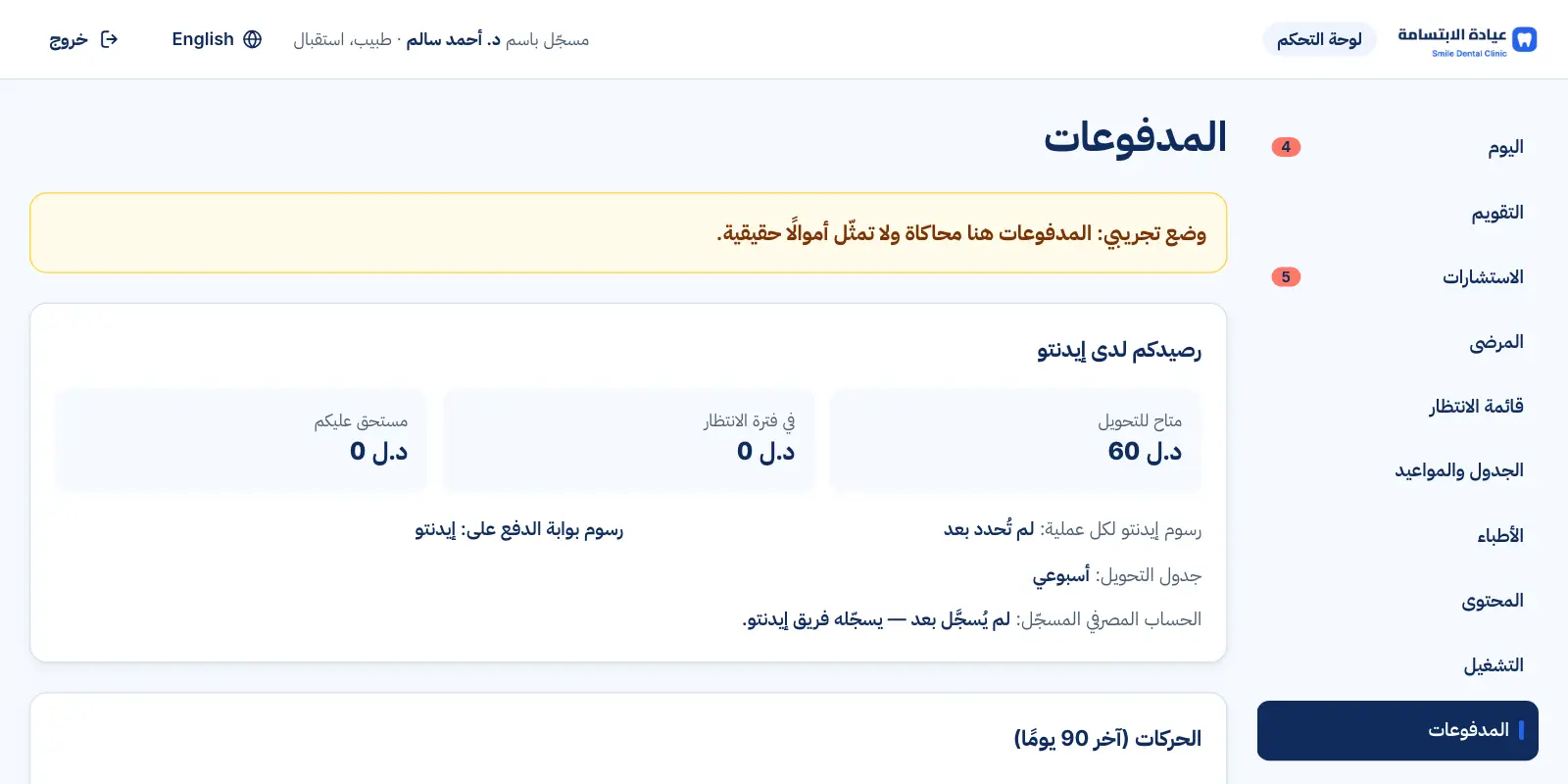
Real interface, sample data
How it works
- 1
Morning: review today's requests
- 2
Reception confirms and adds phone bookings
- 3
After each visit: mark attendance
- 4
Evening: review and answer consultations
FAQs
Do I need to install anything?
No — the dashboard runs in the browser on a computer or phone.
Can reception see patient photos?
No — consultations and photos are for the dentist only.
What if a team member loses their phone?
The admin resets their two-step sign-in after verifying them, or deactivates the account immediately.
Want to see this in your practice?
Book a demo and we'll walk you through it step by step.
Book a demo