
Remote consultations
Patients describe their case and attach photos or a short video; you review it and reply in their private account — instead of photos scattered across chats.
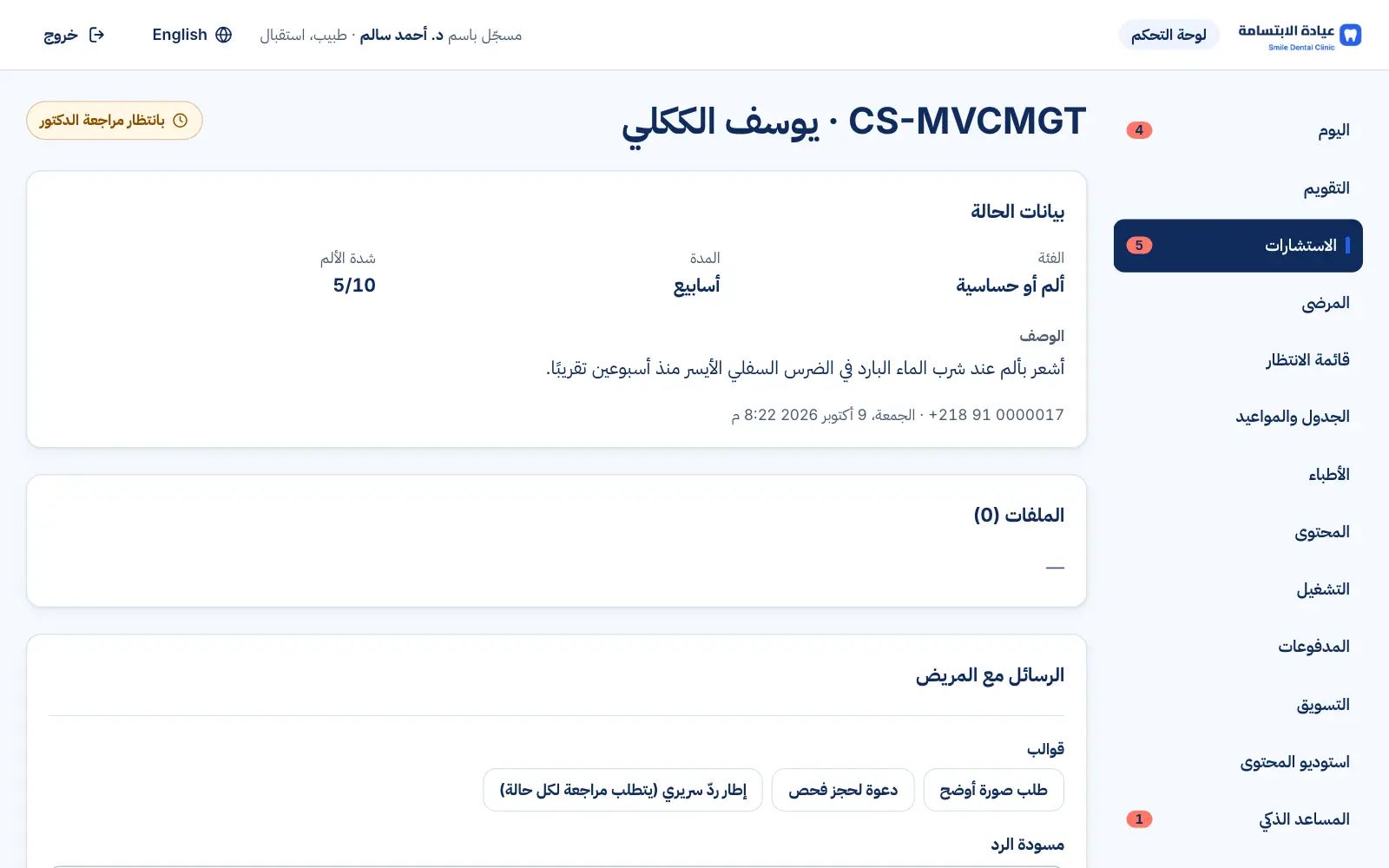
Real interface, sample data
What you get
Guided form
Clear questions help patients describe their case and attach the right photos.
Protected files
Photos and videos are security-scanned and stored privately — never sent by text message.
Urgent-sign guidance
Patients are told which signs mean they should seek urgent care now.
Nothing sent without you
You write the reply (templates help), and nothing is sent until you review and approve it.
Invite to book
From the reply itself, invite the patient to book or ask for clearer photos.
Your daily limit
Set how many cases you take per day; intake closes automatically when full.
Role-based privacy
Reception and content staff can't see cases or photos.
See it in action
Real screens from the platform, taken from the demo clinic — the names and numbers in them are sample data.
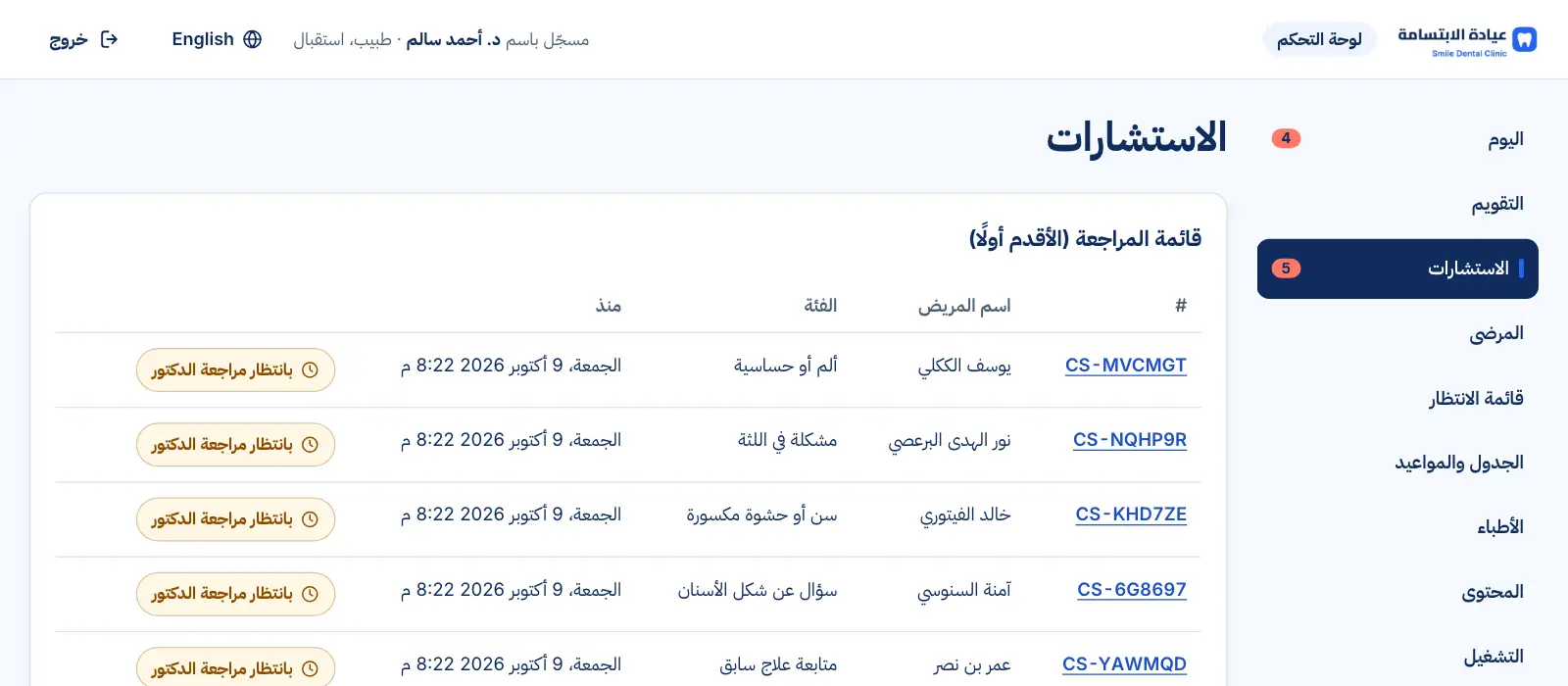
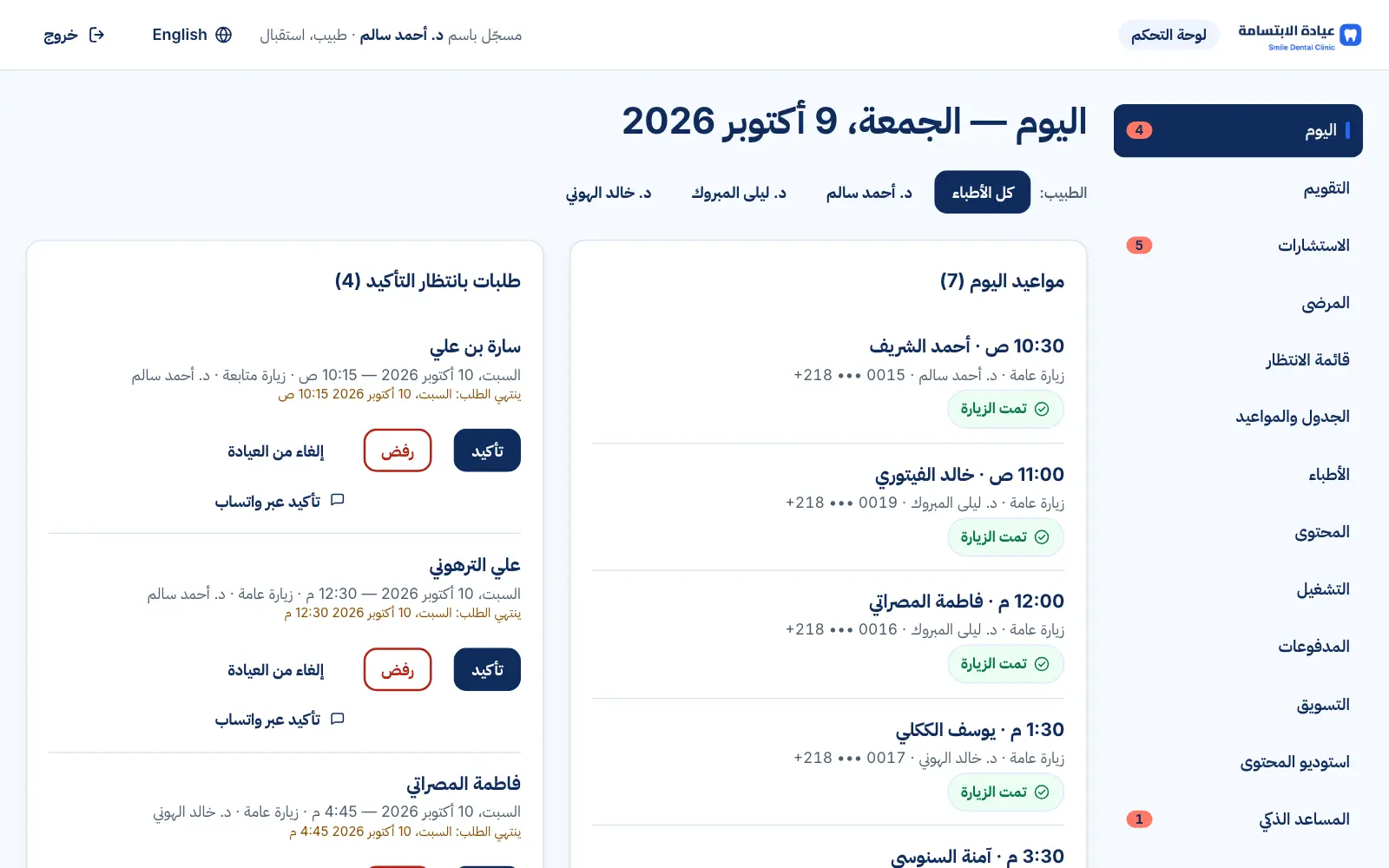
Real interface, sample data
How it works
- 1
The patient describes the case and attaches photos
- 2
It arrives in your consultations queue
- 3
You write and approve your reply
- 4
They get a notification and read it in their account
FAQs
Is this remote diagnosis?
No — it's a preliminary review that guides the patient to the right next step, often an in-clinic exam.
Does it include online payment?
No. Dentists usually offer it as a free preliminary consultation that brings in new patients.
What if the daily limit is reached?
The patient sees a clear message suggesting a booking or trying again tomorrow.
Want to see this in your practice?
Book a demo and we'll walk you through it step by step.
Book a demo